Reviving Your Dead Videos with Playlists: The Strategy You're Overlooking
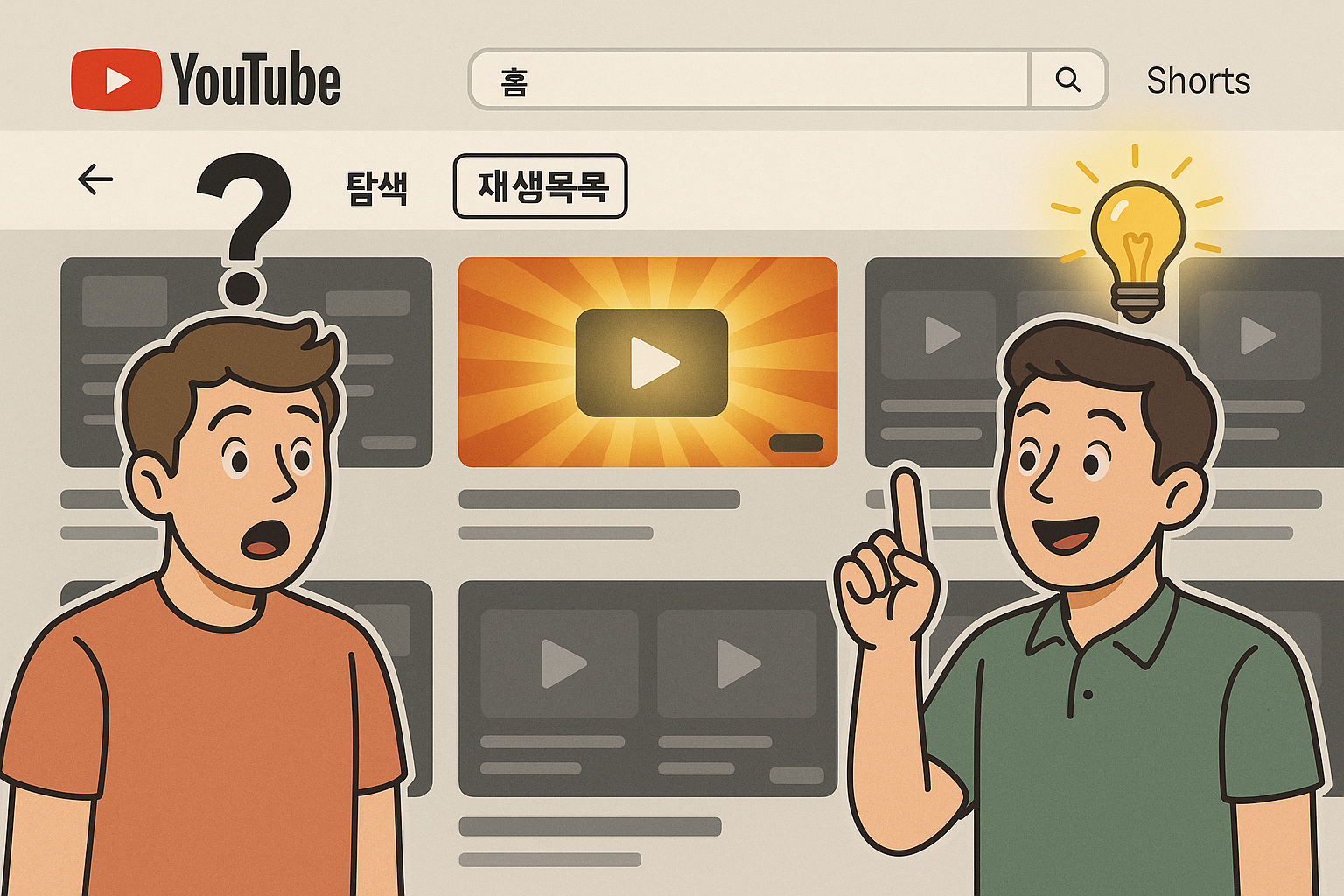
"Why Do Views Die After Just One Video?"
You upload a new video and wait for the views to pour in.
But viewers watch that one video and then leave in droves.
The dozens, or even hundreds, of older videos on your channel become 'dead content,' just collecting dust.
Most YouTubers think of a ‘Playlist’ as a simple 'folder' or 'drawer' for categorizing videos.
Things like 'Vlogs,' 'Food Reviews,' or 'Product Reviews.'
But this is a critical mistake that utilizes less than 10% of the playlist feature's true potential.
Playlists are not passive organizational tools; they are powerful 'experience design tools' that guide the viewer's next move and encourage them to binge-watch your entire channel.
The Game-Changing Effect of Playlists, Backed by Data
Let's compare real data to see how different playlist strategies affect results.
Channel A (Traditional Method): Organized only by categories like 'Cooking Recipes,' 'Daily Vlogs'
- YouTube Analytics: Playlist view share is less than 1%, average view duration is 3 minutes, high drop-off rate.
Channel B (Strategic Method): Reorganized based on viewer goals and storylines.
- e.g., '7-Day Essential Recipes for a Beginner Cook,' 'Binge-Watch My Month in Europe [From Ep. 1]'
- YouTube Analytics: Playlist view share is over 8%, average view duration is 7 minutes (a 2.3x increase), and monthly views on old videos are up 15%.
The bottom line: A strategic playlist design can dramatically increase Session Watch Time, a key metric for the YouTube algorithm.
Why Does the YouTube Algorithm Love 'Playlists'?
- It Eliminates Decision Paralysis: It provides a clear viewing path, reducing the "What should I watch next?" dilemma when a video ends.
- From the Algorithm's Perspective: YouTube values not just "the performance of an individual video," but "how long viewers stay on a channel."
Strategic playlists increase the likelihood of your entire channel being recommended.
4 Actionable Playlist Tips You Can Use Right Now
1. Design a 'Path,' Not a 'Folder': Title your playlists based on 'viewer benefits' or a 'storyline,' not just a 'category.'
(e.g., 'Workout Videos' → '15-Minute After-Work Belly Fat Challenge')
2. Avoid the 'Reverse Chronological Order' Trap: For a series, always manually sort it to start with the first episode.
3. Promote the 'Playlist' Itself, Not Just a 'Video': Add playlist links to your End Screens, description boxes, and pinned comments.
4. Place a 'Hook Video' First: Grab the viewer's attention with your most powerful video to make them stay.
How Can I Apply This to My Channel?
- Education Channel: 'Excel Tutorials' → 'The Ultimate Guide to Excel Functions for Absolute Beginners [Start from Lesson 1]'
- Travel Channel: 'Japan Vlogs' → 'The Perfect 4-Day Tokyo Itinerary for First-Time Visitors'
- Gaming Channel: 'Elden Ring Gameplay' → 'How to Beat Every Boss in Elden Ring: A Veteran's Guide [Watch in Order]'
- Review Channel: 'Laptop Reviews' → 'The A-to-Z Guide to the Best Value Laptops for Students & Professionals in 2024'
What If You Could Revive 'Dead Videos' with a Single Playlist?
Running a YouTube channel isn't just about lining up a series of 'dots' (good videos).
It's about designing the 'lines' and 'surfaces' that connect them, creating an experience that makes viewers stay.
Take a look at your playlists right now. Are they a dusty 'warehouse' or a 'curated course' that keeps viewers binge-watching?
The key to reviving dead videos is to rediscover your playlists.
Trending Video