The Metric Nobody Talks About: The Algorithm's Secret Standard for Judging Your Channel
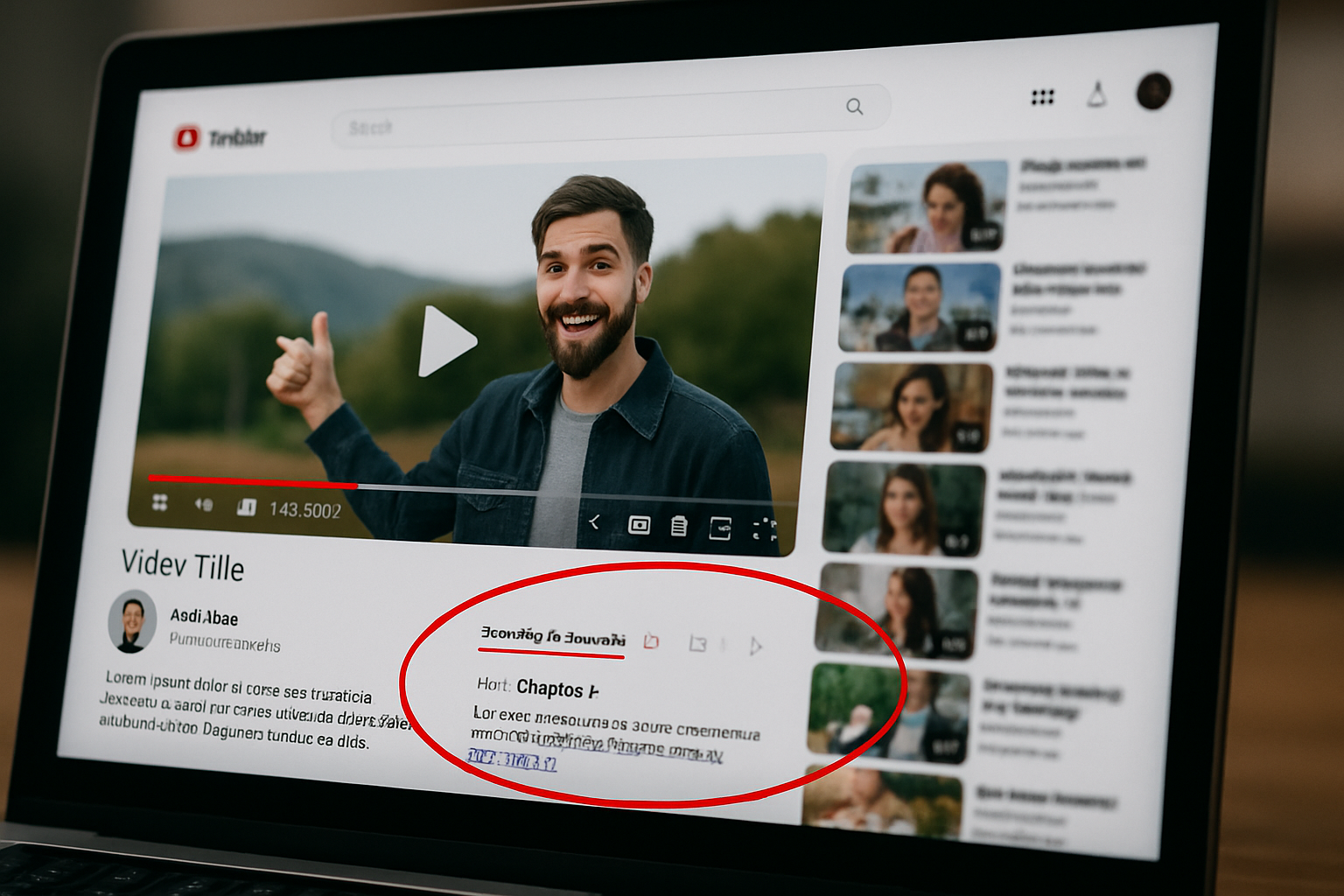
Your Description Box: The Algorithm Is Reading Everything
You pour dozens of hours into planning, shooting, and editing just to create a single video.
Then comes the final hurdle: agonizing over the perfect title and thumbnail.
But just before you hit the upload button, how are you filling out your video's description box?
Most creators just drop in a few relevant links or their social media handles and call it a day.
But what if this small space is the key data the YouTube algorithm uses to understand the depth and context of your video?
You might be neglecting one of the most powerful weapons for your channel's growth.
A Simple Change to the Description Box Increased Search Traffic by 28%
We ran an A/B test to see how different approaches to writing the description box affect actual performance.
- Group A: Included only relevant links and social media handles.
- Group B: Wrote a fully optimized description, including a keyword-rich summary and timestamps.
The result: After 30 days, Group B saw a 28% increase in YouTube search impressions and a 12% improvement in audience retention.
Notably, videos with high timestamp click-through rates saw a significant boost in audience retention for those specific segments.
The Description Box is a Bridge Between the Algorithm and Your Viewers
- Provides Context: The algorithm interprets your video's overall context through the keywords in your description.
- Boosts Viewer Satisfaction: Timestamps and links improve the viewer experience and increase session watch time.
- Increases Google Search Visibility: A well-written description drives traffic from Google Search, not just from within YouTube.
5 Tips for Writing a Description Box That Drives Views
- Target the 'Golden Lines': Place your core keywords and a summary in the first 2-3 lines, right before the 'Show more' button.
- Write it like a 'Mini-Blog': Add 3-5 paragraphs to explain the story and background of your video.
- Timestamps are a must: They structure your video's flow and are key points that help the algorithm understand your content.
- Use Links Strategically: Categorize your links, such as [Product], [Related Videos], and [Resources].
- Limit Hashtags to 3-5: Using too many can be flagged as spam.
Description Strategies Vary by Channel Type
- Informational/Educational Channels: Video summary + resource links + glossary of terms + timestamps.
- Review Channels: Product name + price + summary of pros and cons + links to buy or compare.
- Vlog/Lifestyle Channels: Detailed info about locations, people, BGM, etc.
- Cooking/DIY Channels: List of ingredients + measurements + timestamps for each step + links to tools used.
The Description Box: Not an Appendix, but the Finishing Touch
Your title and thumbnail get the viewer to click.
But the description box is what keeps them watching and proves your value to the algorithm.
Starting today, think of your description box as the 'final piece of the puzzle.'
This small space you've been overlooking could be the key to your channel's explosive growth.
Trending Video


